Your translations, on your desk
A native desktop application for macOS, Windows and Linux. No Docker, no database to configure. Your projects and translations are stored on your machine; signing in goes through your online account.
- Platforms supported
- 3
- Max binary size
- 9.0 MB
- Node.js install steps
- 0
Desktop app
Download for your OS
Native app that runs its own local server. Direct filesystem access, SQLite bundled, your projects stored locally.
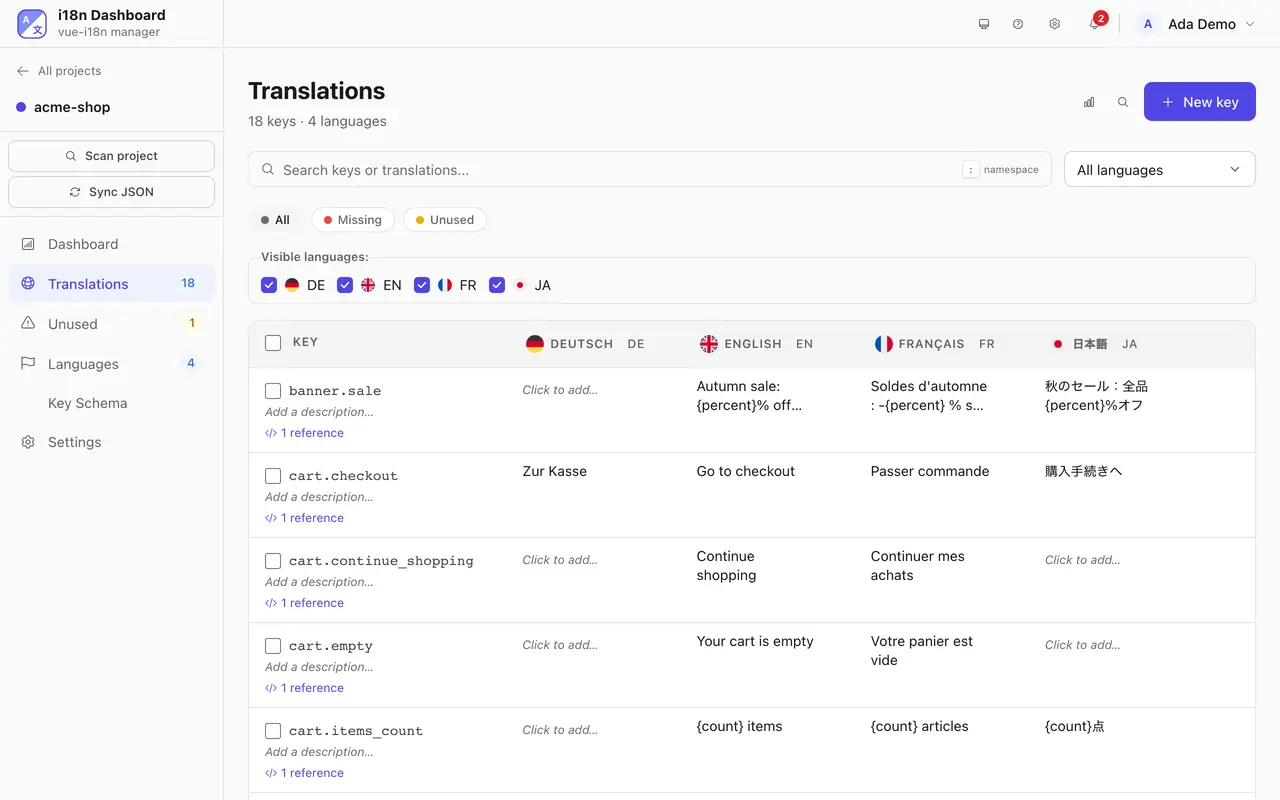
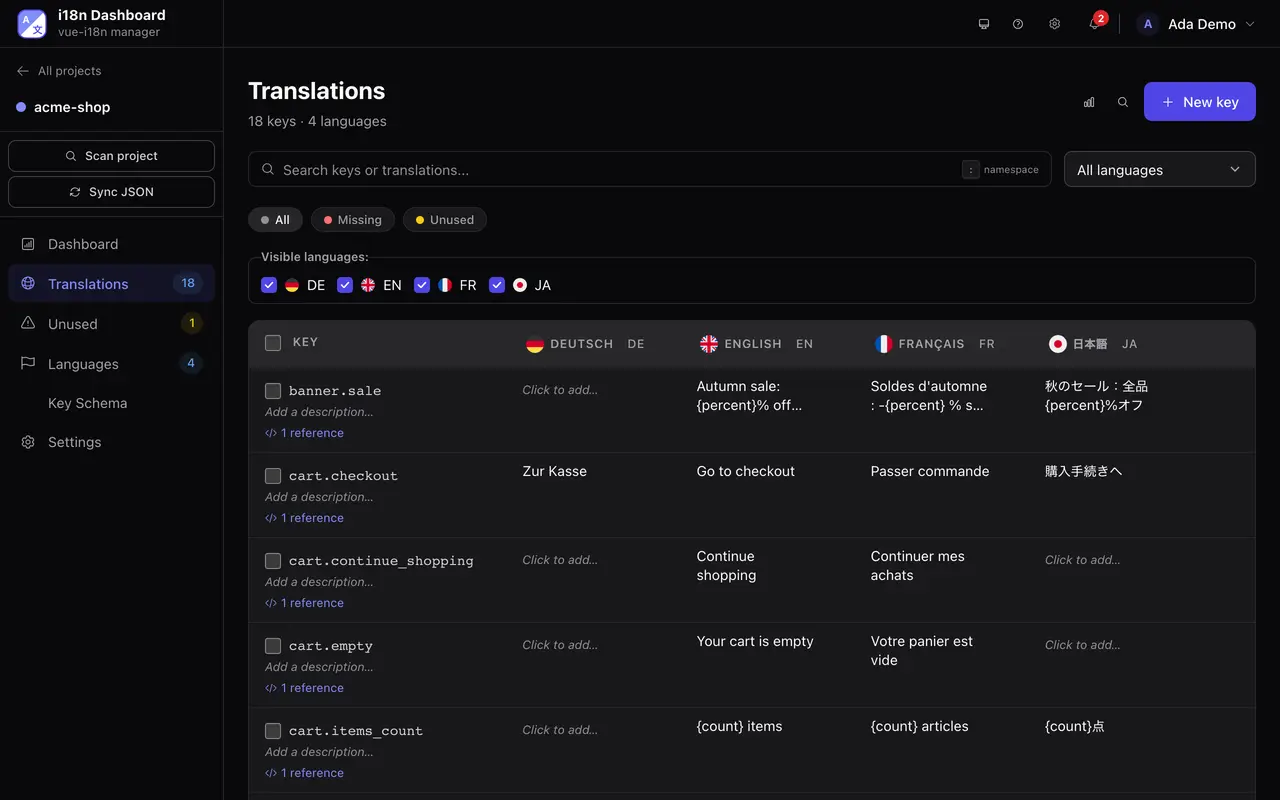
What Windows will say when you install
Windows installers are not code-signed yet, so SmartScreen shows “Windows protected your PC” when you run the setup. That message reports a missing certificate, not a detected threat. Code signing is planned; no date yet.
To continue: choose “More info”, then “Run anyway”.
macOS builds are signed and notarized with an Apple Developer ID, so Gatekeeper opens them without a prompt. Linux packages carry no signature either, and no equivalent gate stands in the way.
Why native
What the desktop app gives you
Built with Tauri
Desktop app
- Embedded server
- SQLite, on your disk
Your account online: sign-in
Local-first
SQLite is bundled and your projects are stored on your machine; they leave it only when you send them to a service you set up, such as a translation provider or a Git remote. Signing in goes through your account online, so keep a connection for that.
Native filesystem
Browse, scan and sync directly with your project folders. No upload, no SaaS middleman.
Built with Tauri
No bundled Chromium — uses your OS's native WebView for blazing-fast startup. Full Nitro server embedded.
Before you install
Requirements
- macOS
- 11 Big Sur or later (Apple Silicon & Intel)
- Windows
- 10 or later (64-bit)
- Linux
- Ubuntu 20.04+, Debian 11+, Fedora 37+ (AppImage & .deb)
- Runtime
- Bundled — the app ships its own Node.js 22 runtime, so there's nothing to install
The app runs a full server on your machine rather than a hosted one: it talks to our account service for sign-in and your plan, and downloads the interface's language files from our site. It ships that server's Node.js runtime right inside the installer — there's nothing extra to download or set up.
Translating your app in four steps.
Create your account
Free to start: 30 days of any plan, no card. Stays free for 1 project.
Install it
On your own server. Then open localhost:6001.
Self-hosting guidedocker compose pull && docker compose up -dmacOS, Windows or Linux. It runs its own local server.
Download the appConnect your project
Point it at a folder or a Git repository. It finds your framework and your locale files.
Translate
Pick one of 8 providers and translate a whole language at once. Google Translate works without a key.