Bring your own API key. No quotas, no markup.
Eight translation providers, one abstraction. Pick the one that fits your project, override the model whenever you want. We never proxy your calls.
- Translation providers
- 8
- With a free tier
- 6
- Marked GDPR-friendly
- 3
Compare providers
Pick the right tool for the right job. You can mix and match per project.
- Your instance
- Your API key, encrypted (AES-256-GCM)
- Provider API
| Provider | Approx cost / 1K chars | GDPR-friendly | Free tier |
|---|---|---|---|
| DeepL | €20 | Yes | Yes |
| Google Cloud Translate | €18 | Partial | Yes |
| OpenAI GPT | €8 | Partial | No |
| Anthropic Claude | €12 | Partial | No |
| Google Gemini | €6 | Partial | Yes |
| Mistral AI | €7 | Yes | Yes |
| LibreTranslate | €0 | Yes | Yes |
| Google Translate (free) | €0 | No | Yes |
Eight providers, one abstraction. BYO API key. No proxying, no markup.
Eight providers, your call
Configure providers per project. Switch any time. Your keys are encrypted at rest with AES-256-GCM.
Google Cloud Translate
Industrial volume, predictable cost per character, fast.
View docsgoogle-translate-v3Anthropic Claude
Override to claude-haiku-4-5 for budget runs. Excellent on Asian languages.
View docsclaude-sonnet-4-5Mistral AI
Override to mistral-small-latest for cost-sensitive batches.
View docsmistral-large-latestLibreTranslate
Run on your own Docker host. Free, open-source, no external calls.
View docslibretranslate-self-hostedGoogle Translate (free)
Marked as non-production in the UI. Use Google Cloud Translate for real workloads.
View docsunofficial
How configuration works
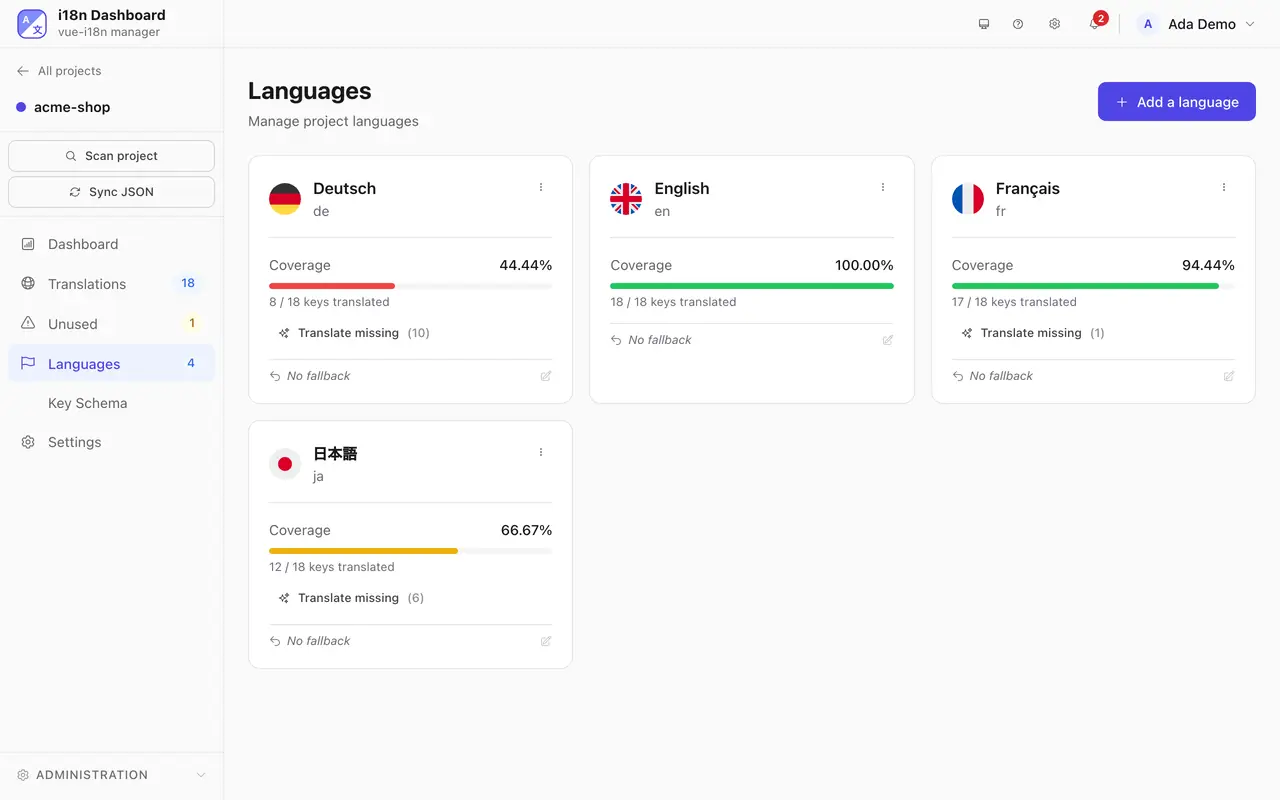
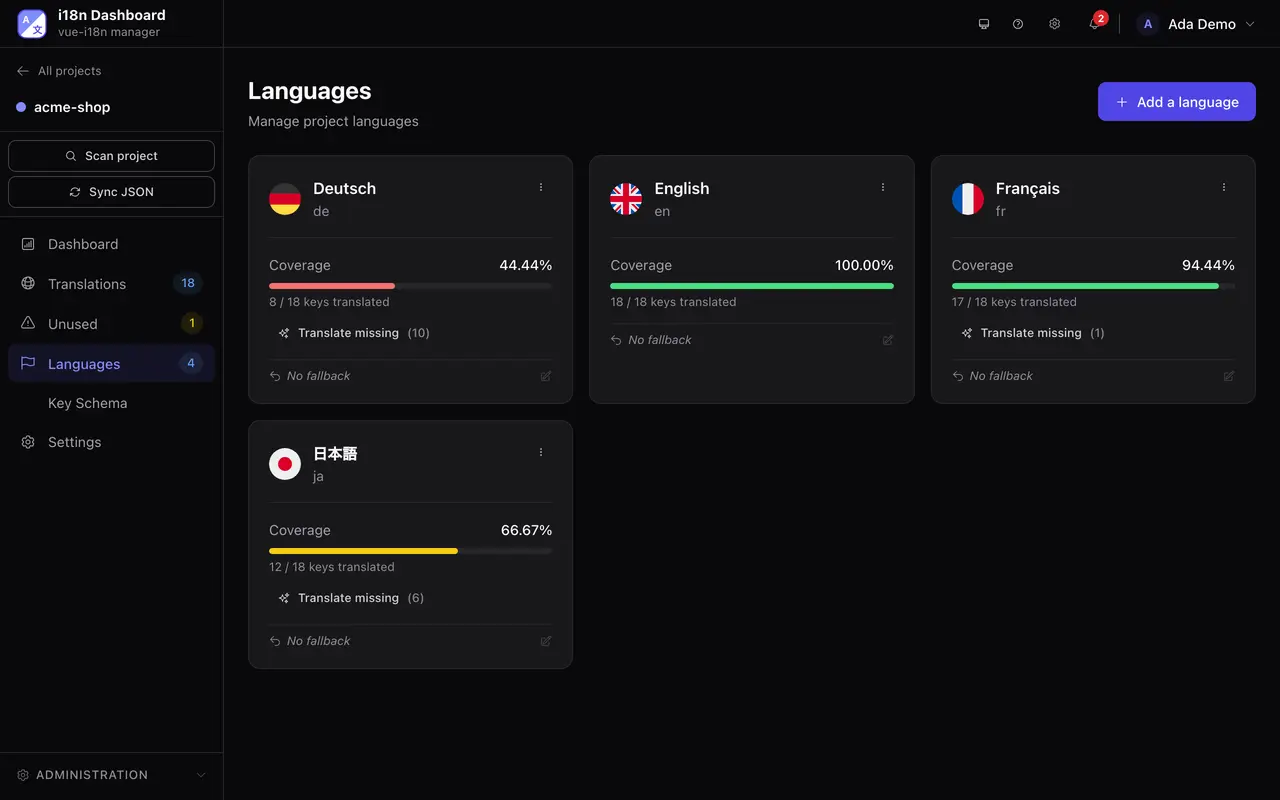
Generate an API key
Create a key in your provider's console. We list direct links for each provider in the docs.
Paste it in admin settings
Go to Admin → Translation providers. Keys are encrypted at rest with AES-256-GCM.
Pick a provider per project
Each project chooses its provider. Override the model with a free-text field — models evolve too fast to hardcode.
Translating your app in four steps.
Create your account
Free to start: 30 days of any plan, no card. Stays free for 1 project.
Install it
On your own server. Then open localhost:6001.
Self-hosting guidedocker compose pull && docker compose up -dmacOS, Windows or Linux. It runs its own local server.
Download the appConnect your project
Point it at a folder or a Git repository. It finds your framework and your locale files.
Translate
Pick one of 8 providers and translate a whole language at once. Google Translate works without a key.