Everything you need to ship translations
From solo side projects to enterprise teams — cover the full translation lifecycle across any framework, on your own infrastructure.
- Frameworks supported
- 3
- Pre-translated UI languages
- 147
- Translation providers
- 8
Core
Translation management
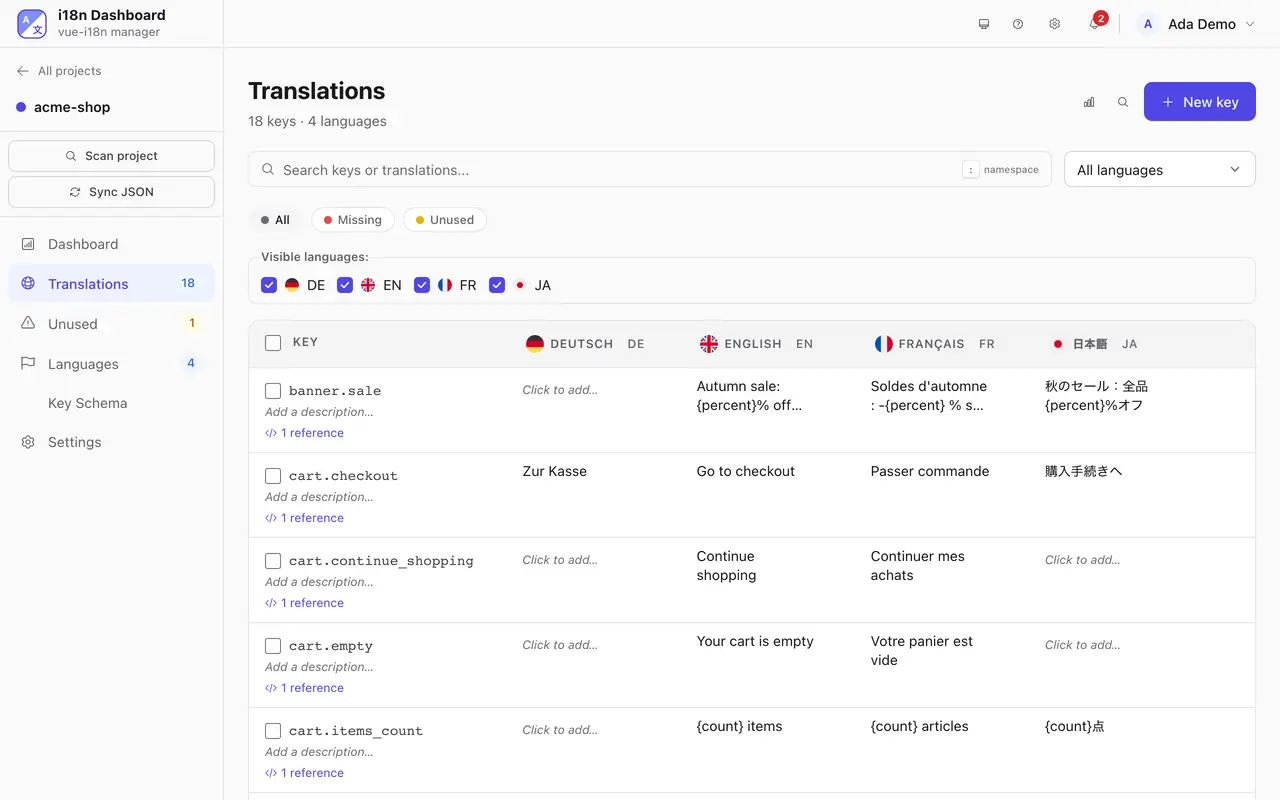
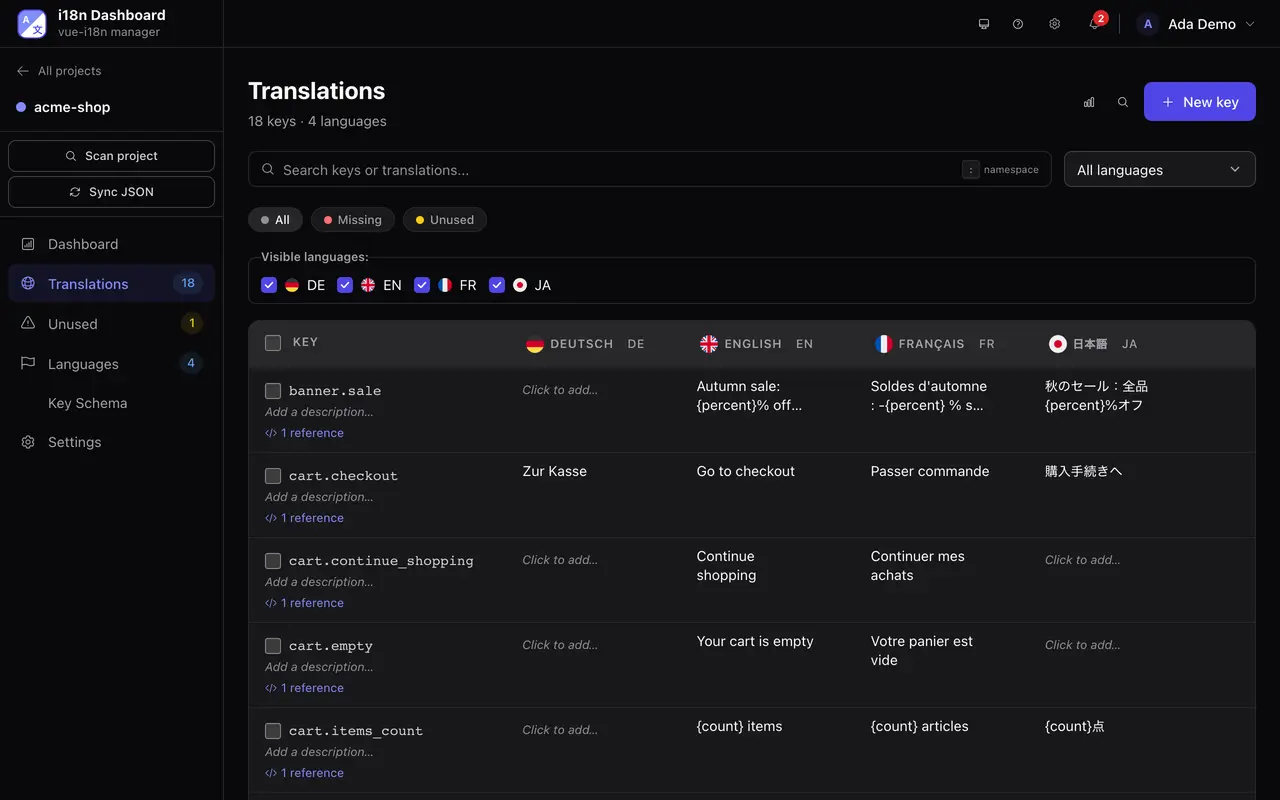
Manage every translation key with full context.
Inline editor
Edit translations directly in a spreadsheet-like view. Ctrl+Enter to save, Esc to cancel.
Full history
Every change is recorded with its author, previous value and new value. Browse the full history of any key.
Search & filter
Find any key instantly. Filter by language, status, or missing translations.
Linked keys
Reference one key from another translation with @:key, with an optional lower, upper or capitalize modifier. A link icon marks every value that references another key.
Automation
Bring your own translation provider
Eight providers, one abstraction. BYO API key. No proxying, no markup.
- Translation providers
- 8
- DeepL
- Google Cloud Translate
- OpenAI GPT
- Anthropic Claude
- Google Gemini
- Mistral AI
- LibreTranslate
- Google Translate (free)
Pick one per project. The full comparison, with costs and GDPR notes, is on its own page. Compare the eight providers →
Developer experience
Scanner, sync & CLI
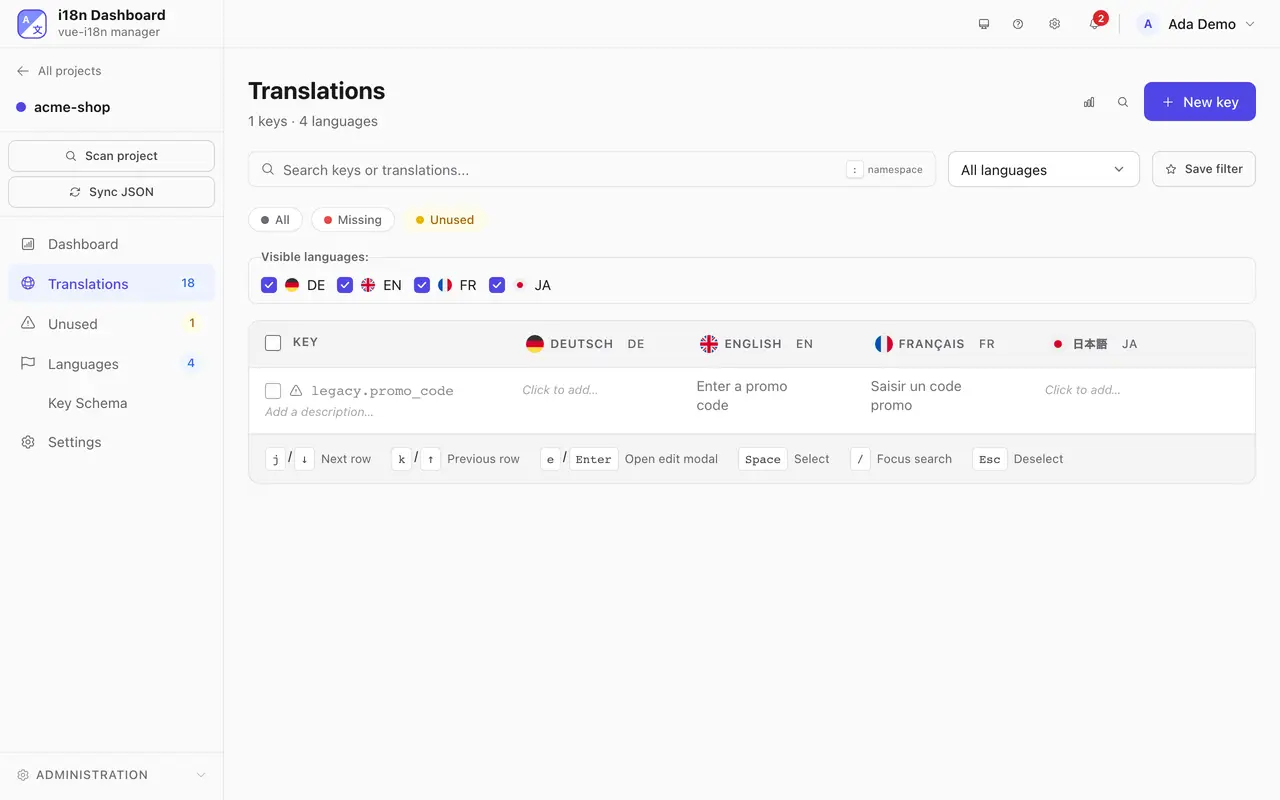
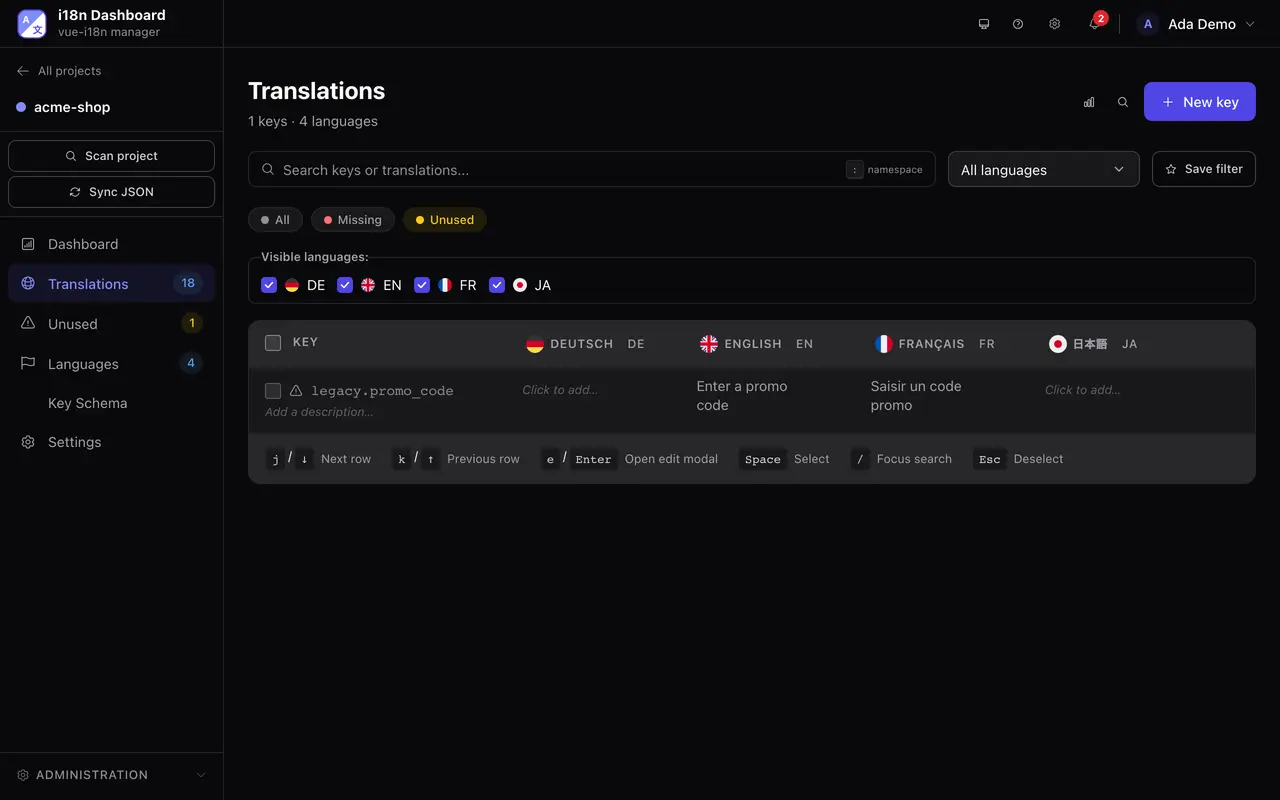
Your JSON files stay the source of truth. Automate the whole pipeline.
- Your code
- Smart scanner
- i18n Dashboard
- Two-way file sync
- Locale files (JSON)
Your JSON files stay the source of truth. Automate the whole pipeline.
Smart scanner
Auto-detects translation calls across Vue, React and Angular codebases. No configuration needed.
Two-way file sync
Point the dashboard at a local folder and it reads your keys and writes translations back to the same files. Git repositories are pulled read-only — you keep control of what gets committed, through your own pipeline.
Branch-aware sync
Pick the Git branch per project. Switch branches without losing work in progress.
CLI scanner for CI/CD
Same scanner, exposed as a CLI. Run it on every PR to catch missing translations before merge.
Unused key detection
Flag keys that exist in your locale files but are no longer referenced in code.
Framework-aware UI
Scanner patterns, code snippets and format helpers adapt to your framework choice.
Team collaboration
Review workflow
Quality control without the overhead.
- Draft
- Reviewed
- Approved
Draft → Reviewed → Approved
Translators submit drafts, moderators review, admins approve. Only approved content is published.
Role-based access
Three roles scoped per project: Admin, Moderator, Translator.
Email invitations
Invite team members with a pre-set role. Secure password reset flow included.
Dedicated review queue
Reviewers see only what needs their attention. Approved content is cached until the next change.
Reach
Localized UI in 147 languages
Our dashboard itself is localized — your translators work in their own language.
- Pre-translated UI languages
- 147
147 UI languages
Pre-translated dashboard UI, served from CDN. We translate, you ship.
BCP 47 locales
Locale chains with regional variants (en-GB, pt-BR, zh-Hant) and fallbacks.
Live language switch
Each user picks their language from the navbar — preference saved per account.
Apps
Desktop app and self-hosted server
Run it wherever you want — on a laptop, a VPS, or a Kubernetes cluster.
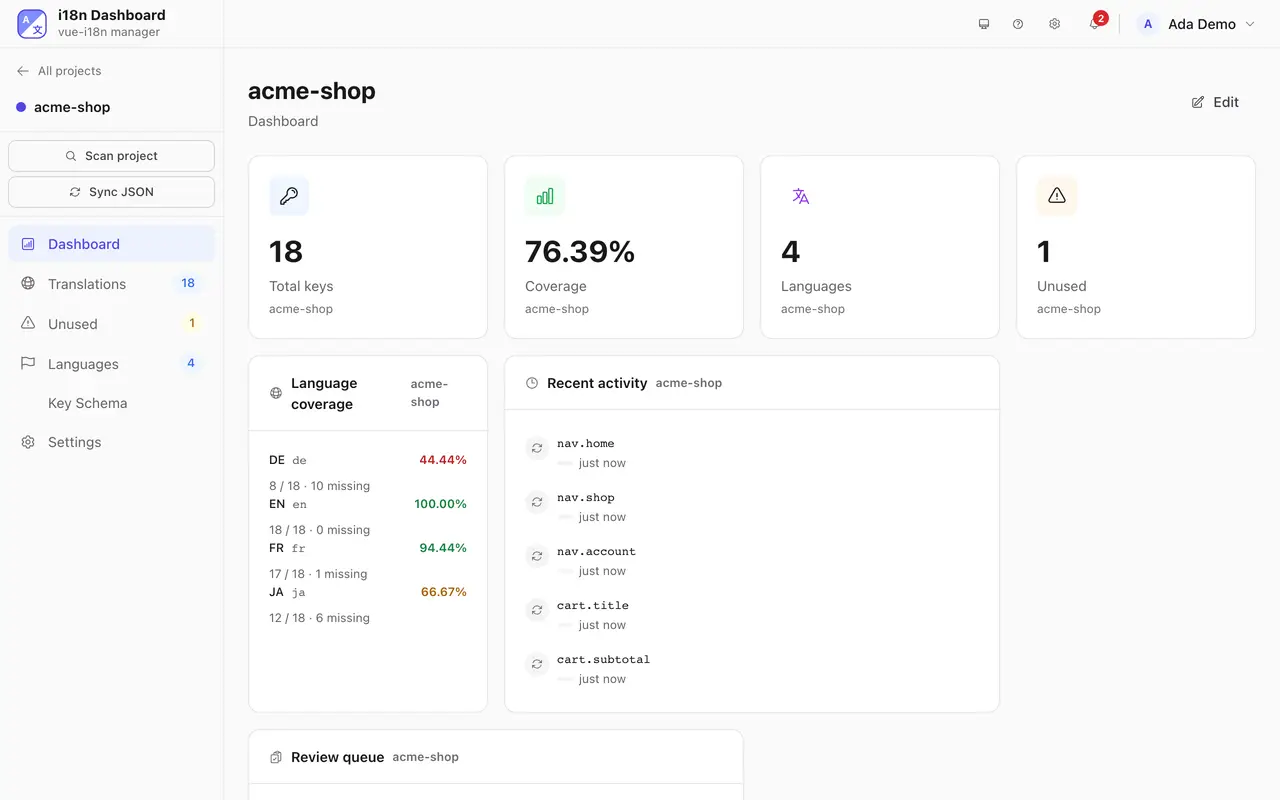
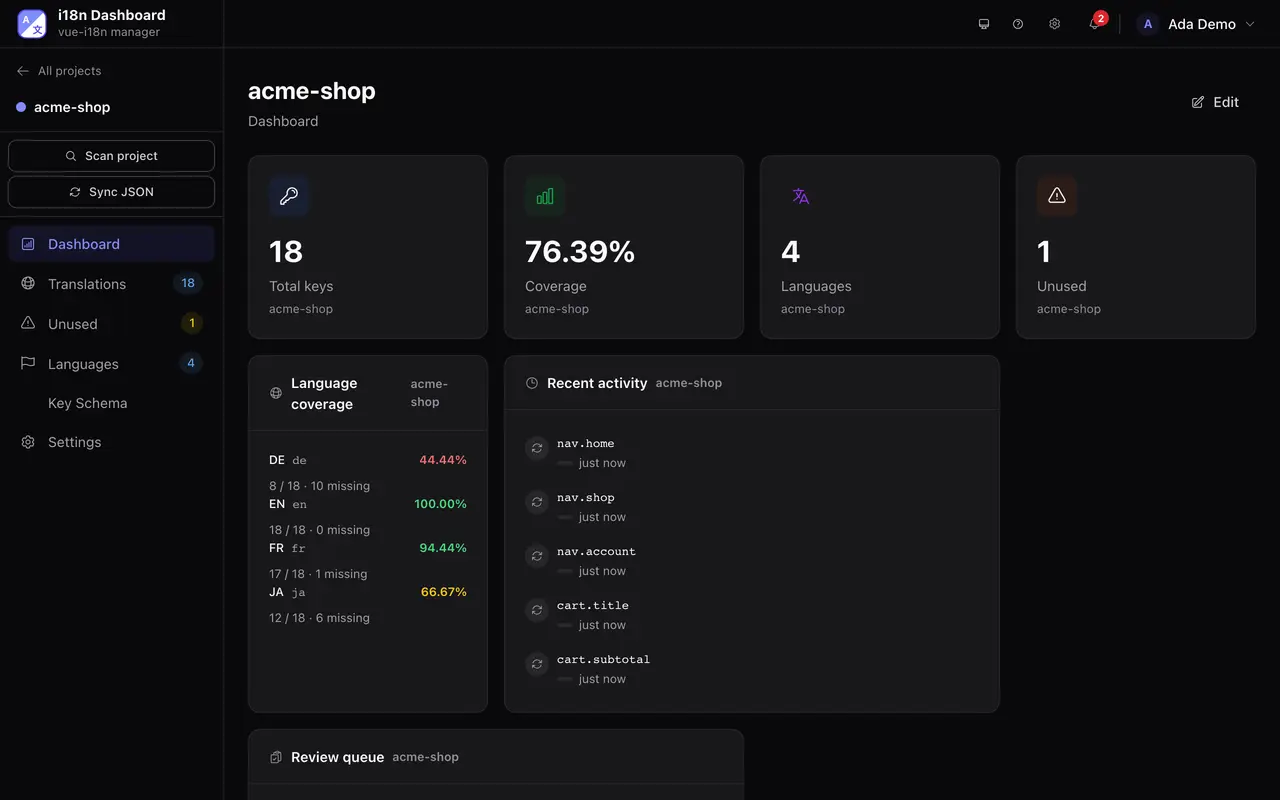
Native desktop app (Tauri)
macOS, Windows and Linux. Embedded SQLite, direct filesystem access, your projects are stored on your machine.
Docker-ready
docker compose up -d brings the whole stack live. SQLite, PostgreSQL or MySQL.
Encrypted config
Service credentials — SMTP, provider API keys and Git tokens — are encrypted at rest with AES-256-GCM. Account passwords are hashed with bcrypt and never stored in a recoverable form.
Change history
Every translation edit is recorded with its author, previous value and new value. System logs are kept separately, with a configurable retention.
Infrastructure
Deployment & security
Built to be yours — your data, your infrastructure.
Multi-database
SQLite out of the box. PostgreSQL or MySQL for scale.
Session security
HttpOnly session cookies with refresh token rotation. bcrypt password hashing.
Webhooks
Trigger CI builds or notifications on translation events. Basic on Pro, advanced on Team and above.
REST API
Full REST API for CI/CD integration. Auto-generated OpenAPI spec ships with the server.
Translating your app in four steps.
Create your account
Free to start: 30 days of any plan, no card. Stays free for 1 project.
Install it
On your own server. Then open localhost:6001.
Self-hosting guidedocker compose pull && docker compose up -dmacOS, Windows or Linux. It runs its own local server.
Download the appConnect your project
Point it at a folder or a Git repository. It finds your framework and your locale files.
Translate
Pick one of 8 providers and translate a whole language at once. Google Translate works without a key.